
Image Edit
How to use Minimize feature?
Our Minimize tool, in our Bulk Image Edit app, is designed to improve your loading time and your SEO by compressing your JPG and PNG images. If you have a lot of PNG images, we recommend using our Convert format tool to convert them to PNG to JPG - this alone can substantially reduce the size of your images.
To minimize your Images, select the Minimize tool.
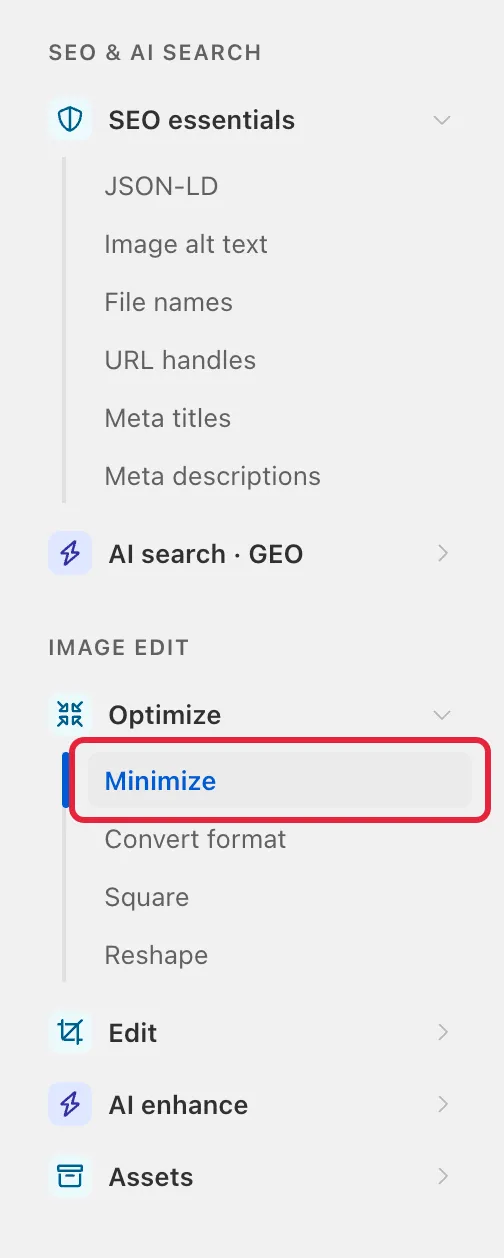
Select which images you would like to optimize with filters. When you reach Step 4 (Edit Matching Images), choose one of the following options:
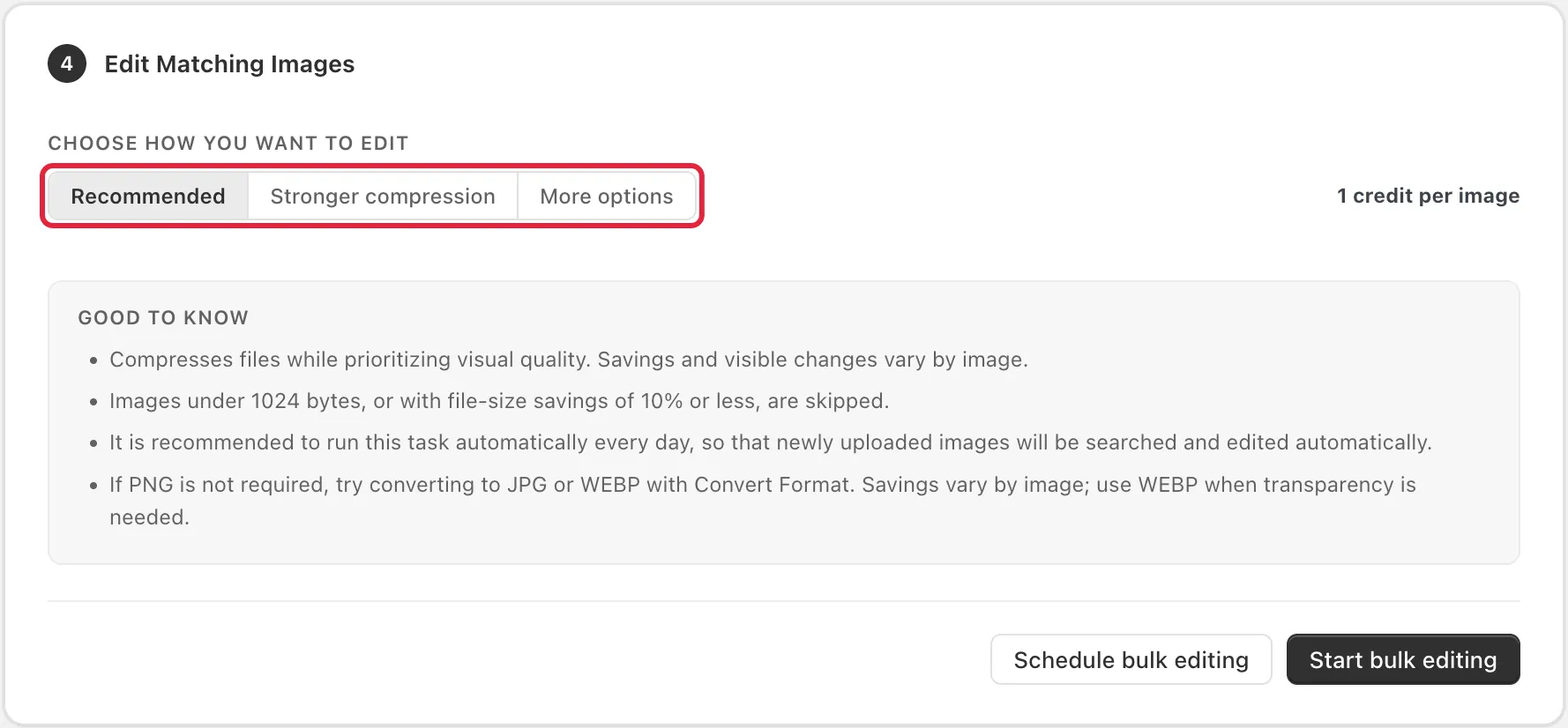
- Recommended
This option compresses images while prioritizing visual quality. Savings and visible changes vary by image.
- Stronger compression
This option uses stronger compression, which may reduce visual quality. File-size savings vary by image.
- More options
This option lets you pick a quality setting from 10 to 80 (80 is recommended, 50 gives stronger compression).
The result is based on our average data. Result will vary depending on the image format, image size and the image itself. If an image has already been compressed and cannot be compressed further, it will be skipped and will not count towards your edit quota.
You can follow the video below for a step-by-step guide on how to do this.