
FAQs
How can I use Shopify Flow to Automate Translations?
Shopify Flow and Translate My Store
Shopify flow is a new Shopify App that allows you to automate your store’s processes. Thanks to our new integration, you can now use Shopify Flow to automatically create translations of newly created products or collections. In this guide, we will cover how you can use Shopify Flow to automatically create new translations.
Creating a new Translation flow
Lets walk through how you can use Shopify flow to automatically create translations of new products.
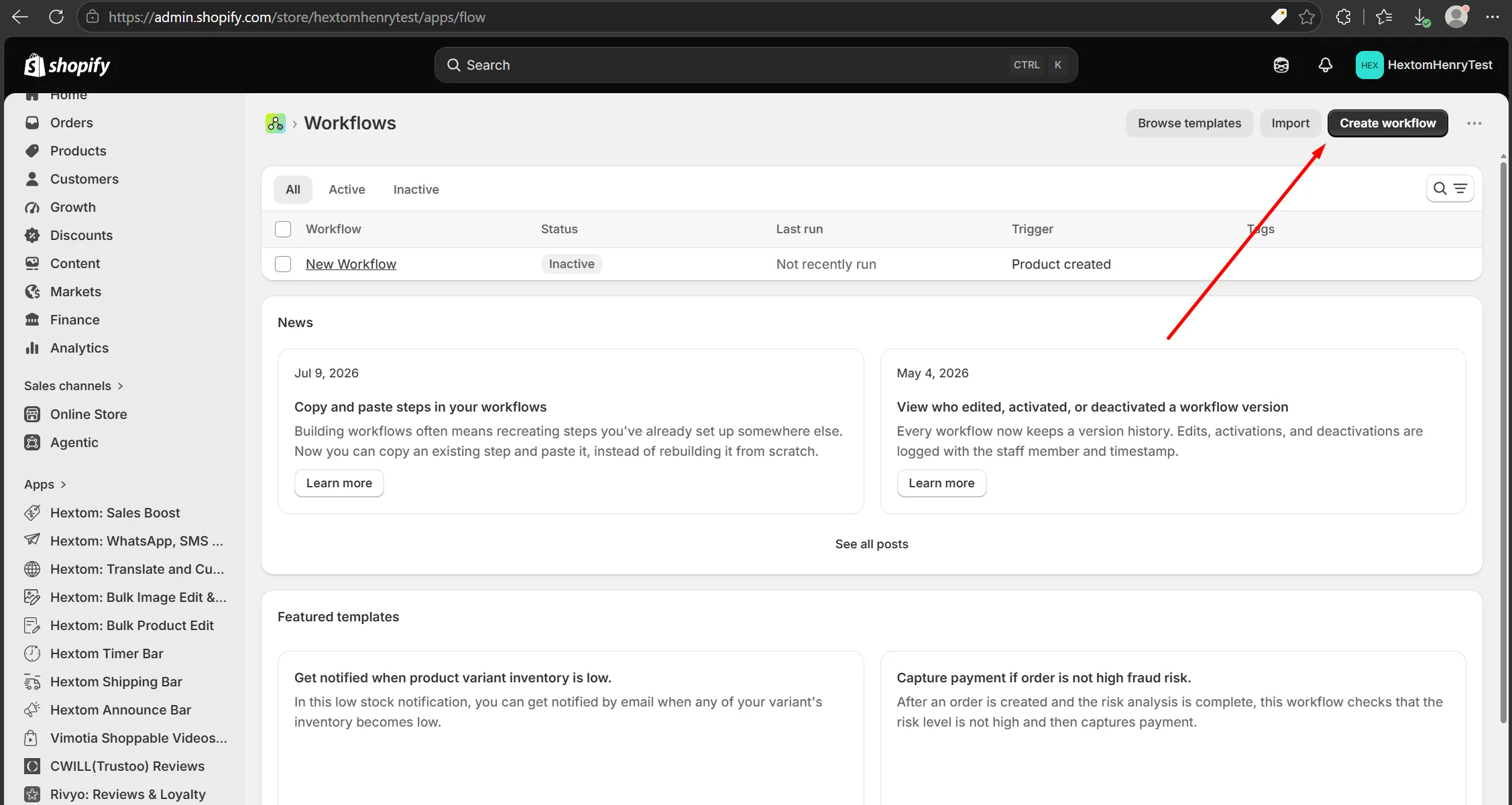
First, you will need to open the Shopify Flow and create a new flow
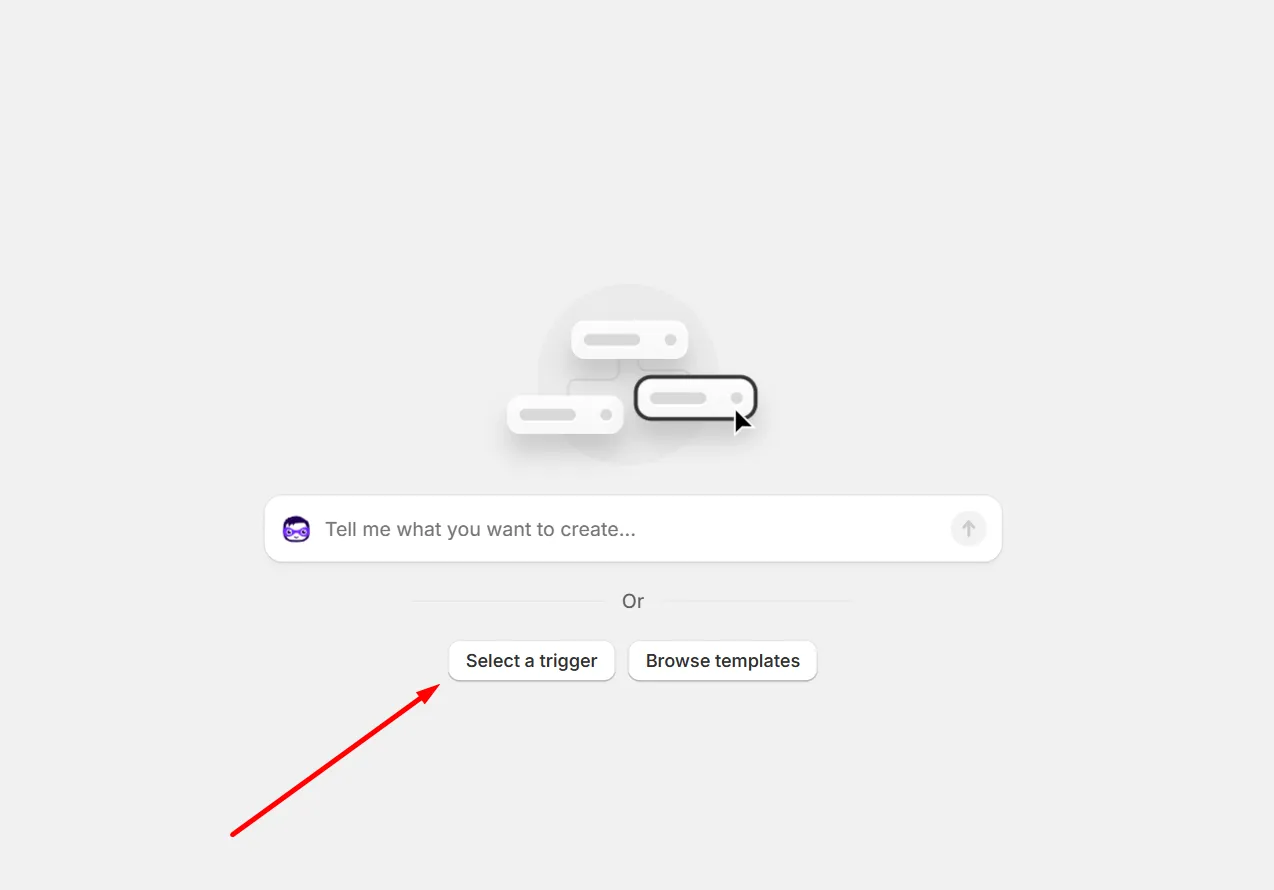
Next, you can press the “Select a Trigger” option.
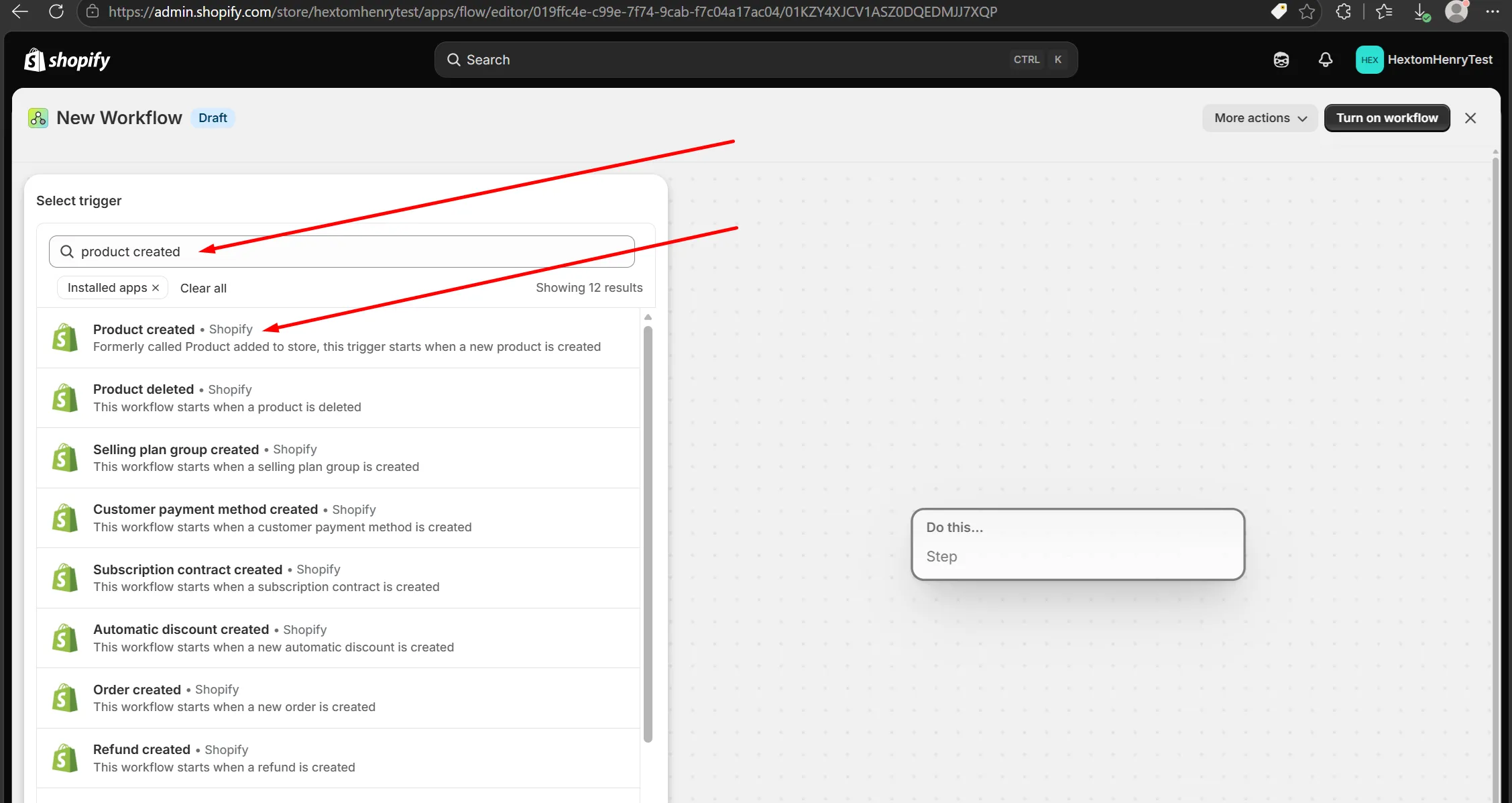
Select the trigger “Product Created” by typing that into the search bar on the left.
Now that you have a trigger, we can add an action to it with the “plus button”
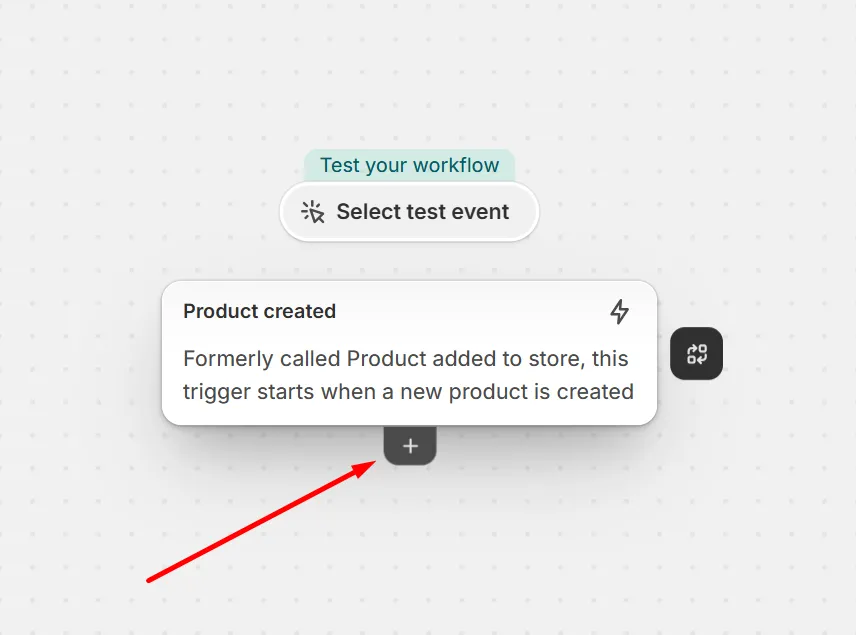
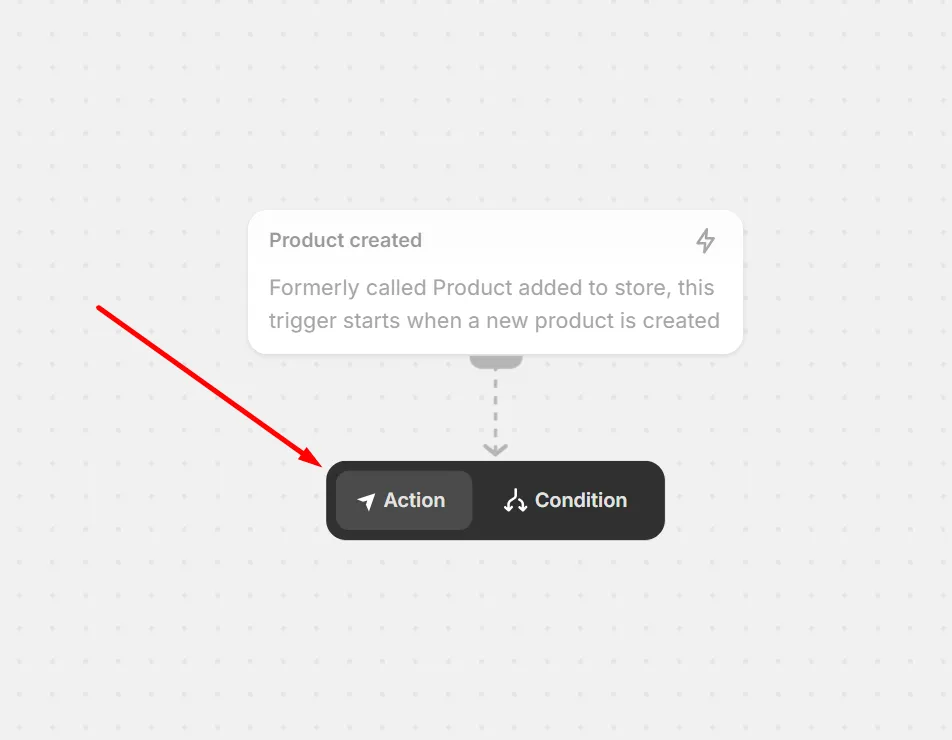
Then select “Action”
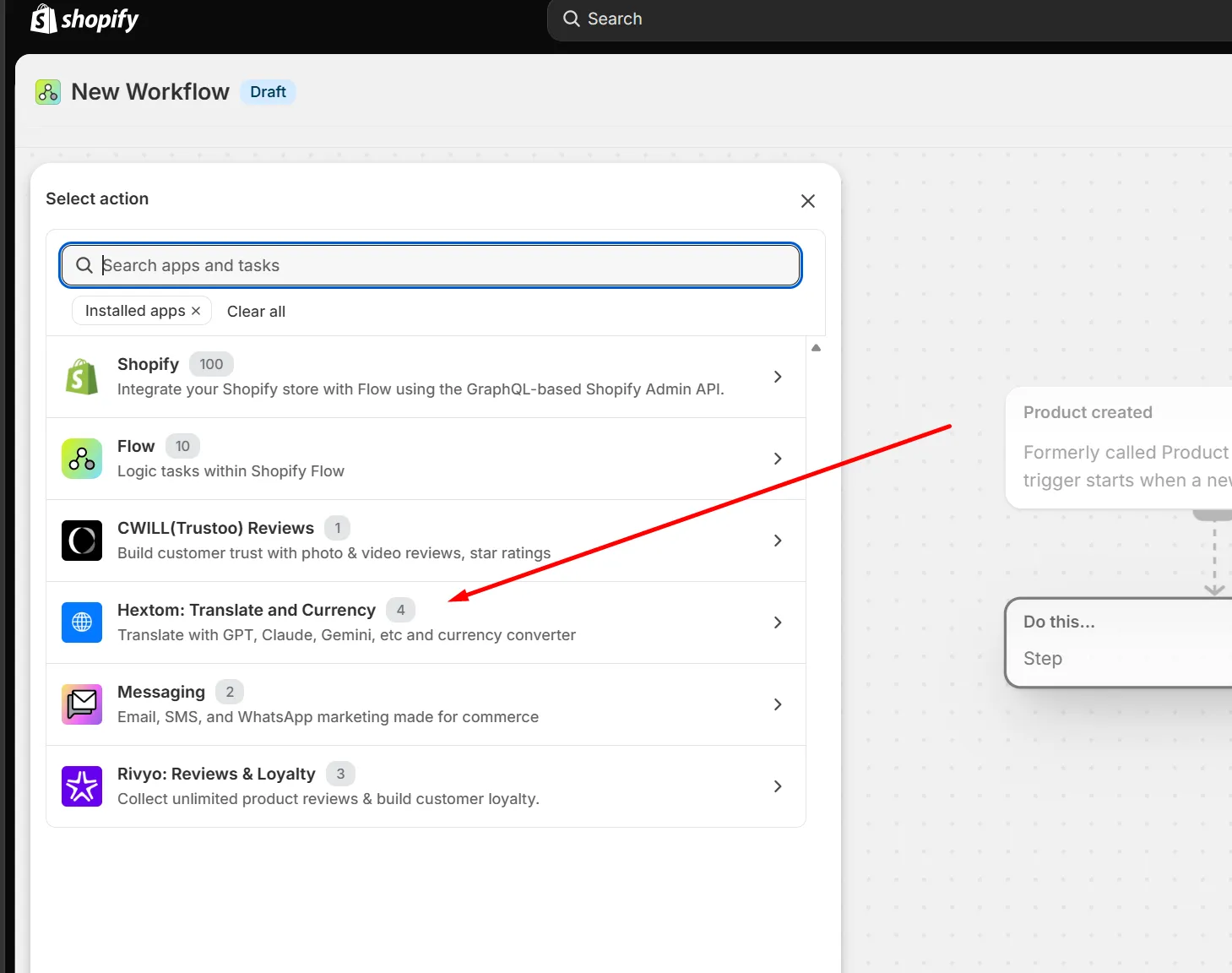
And now select our app on the left side menu that appears
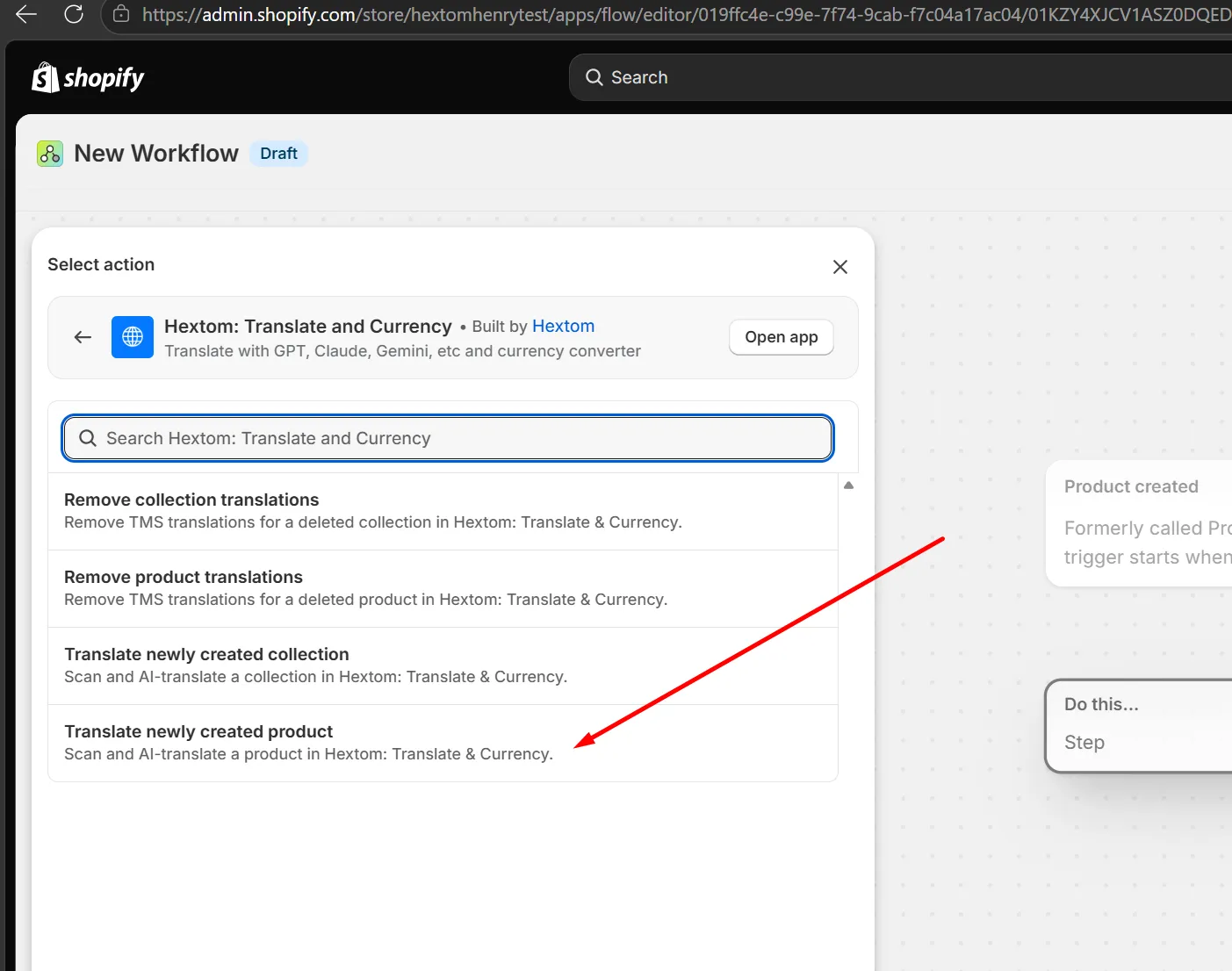
And select “Translate newly created product”
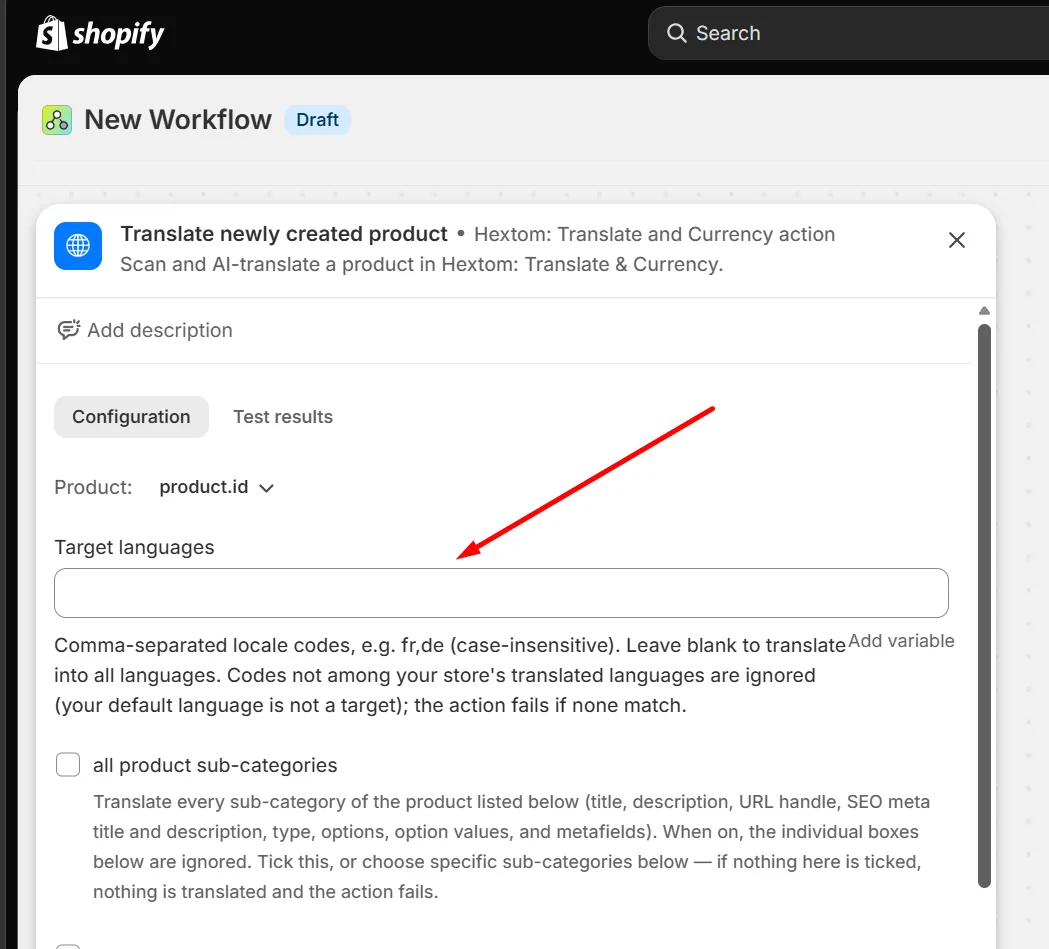
Now we can choose what parts of the product text we want to translate. Since I want to translate all of it, I will select the first option, ‘all product sub-categories” here
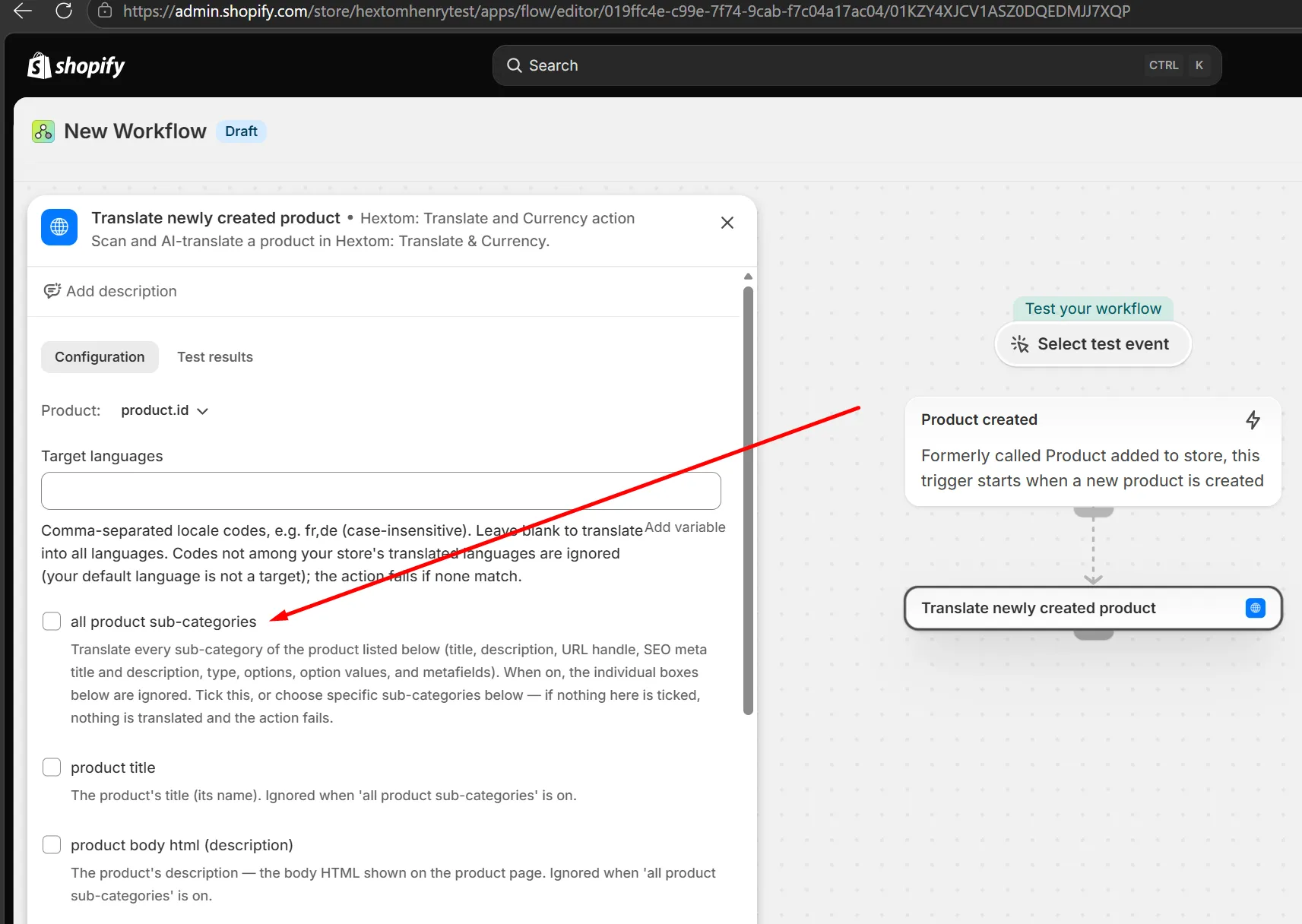
I want all languages to get the translation, so I will leave the following field blank. If I wanted to translate new products only into specific languages then I would enter the standard two letter language code for those language here. For example, If I wanted to translate the text into French and Spanish only, I would enter “fr,es”
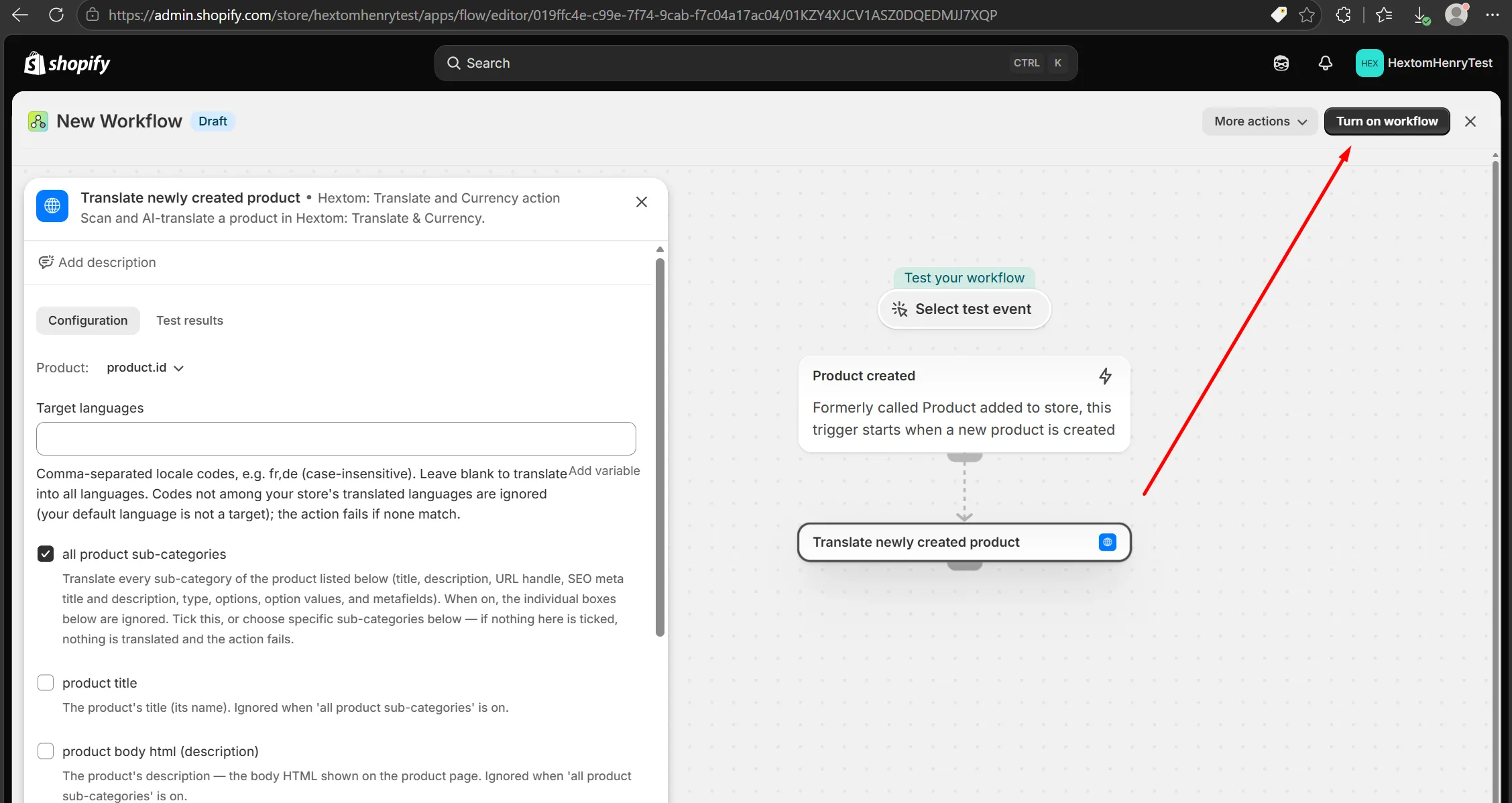
Now I can turn on the workflow, and we’re done! All newly created products will be translated automatically by our app.
Other possible workflows
You can set up an automatic flow to delete translations of products that are removed, and to add translations for new collections and delete translations of removed translations in the same way.
If you have any follow up questions for us about this, please let us know at help@Hextom.com