
Bulk Collection Edit
Tutorials on Editing Collection Sales Channel
This function will allow you to edit your collection Sales Channel. You can edit the Collection Sales Channel by following the steps below.
1. Set up the collection filter
Before anything, make sure that you are in the correct section of the app. Click Create Task in the app menu, open Collections, then click Sales channel
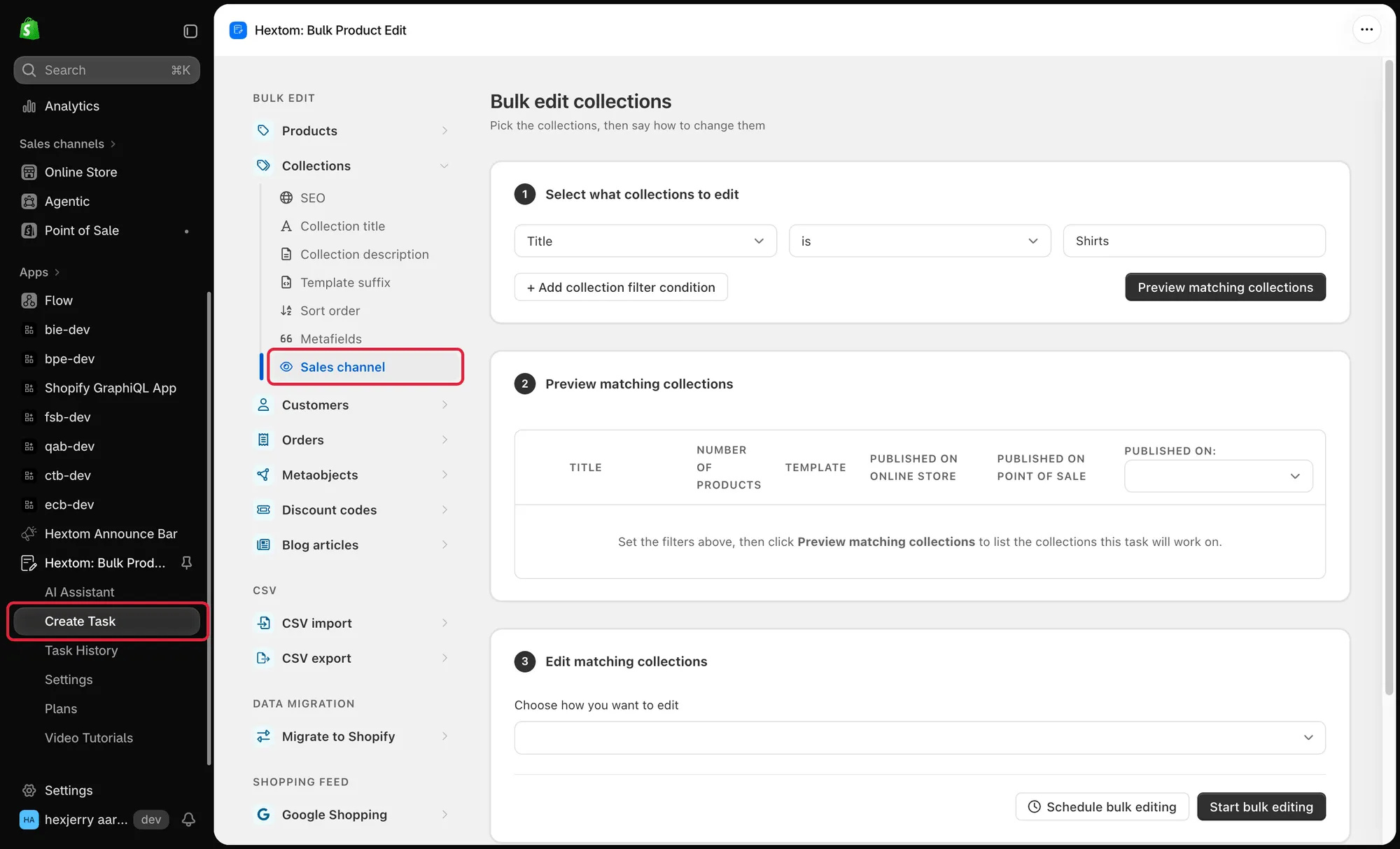
The first step to setting up a bulk edit is to set up the filters. Our app has many fields that you can filter from, which can help you narrow down the products that you would like our app to edit. Our app also comes with a preview function, so that you can verify if the products found are correct.
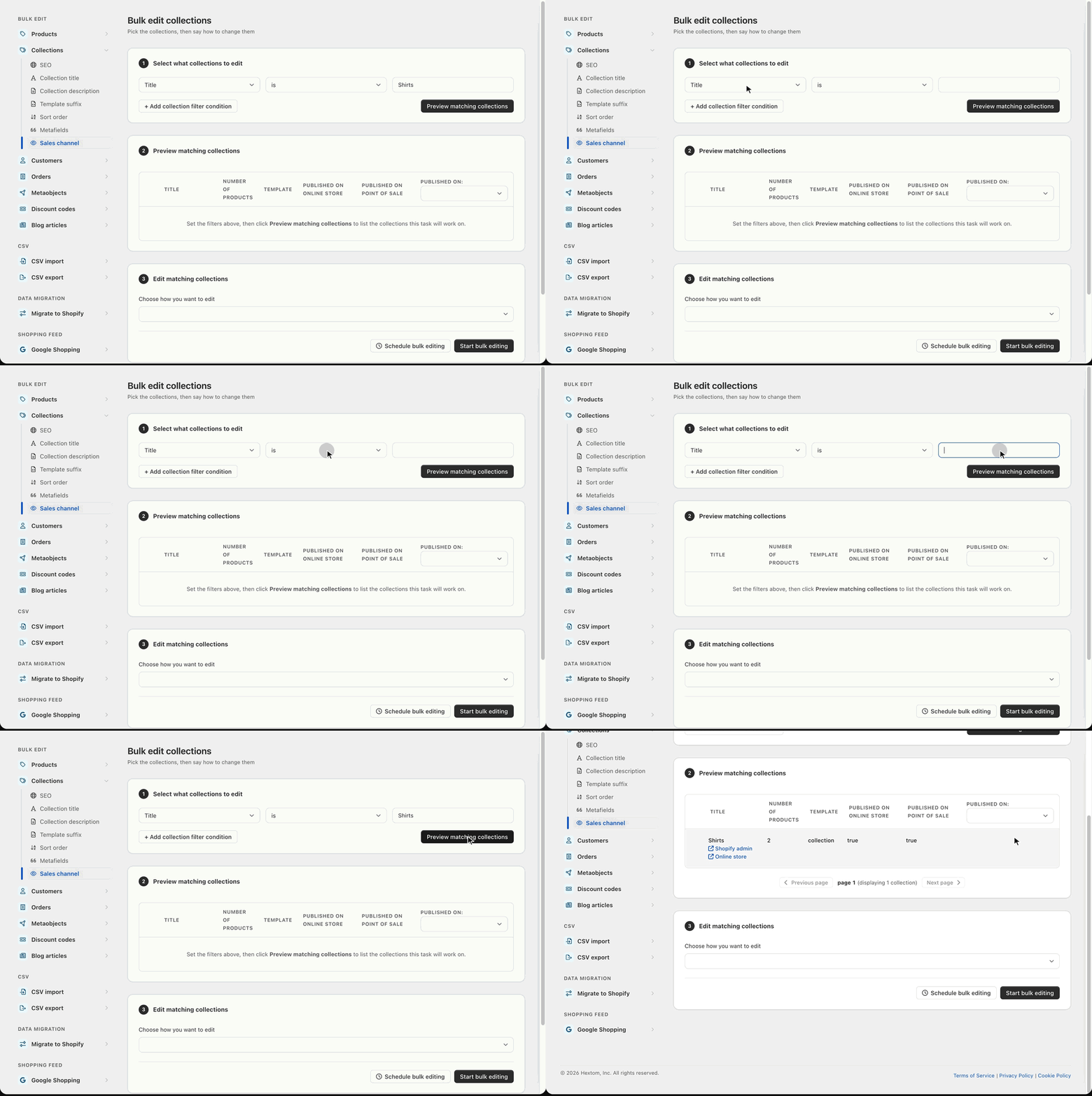
2. Select how to edit your Sales Channel
You can then choose the function you want to use to edit your collection title with, and set up the function as needed. You can choose to publish on multiple channels or unpublish from multiple channels.
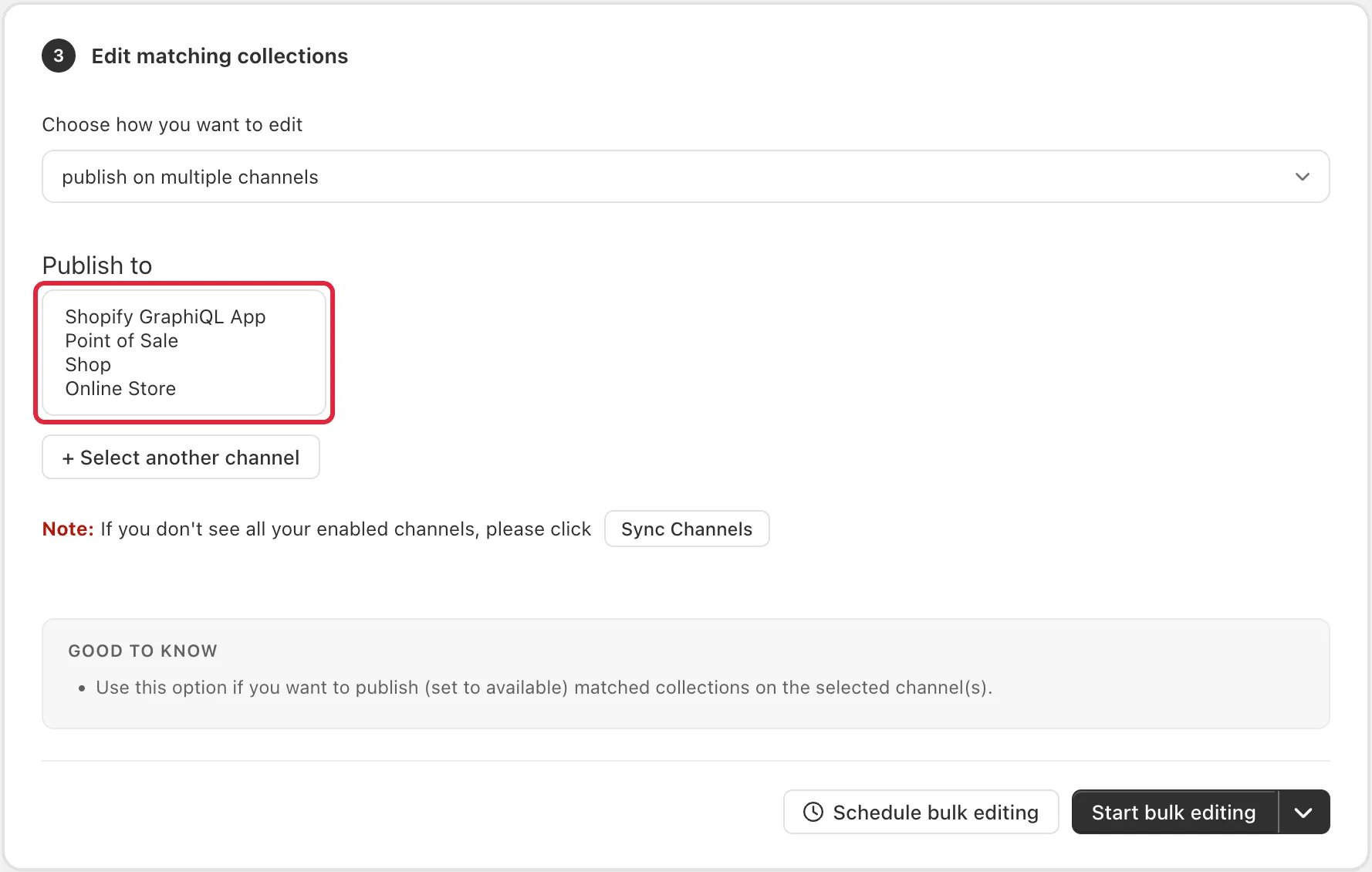
After doing so, you can run the task by clicking on the “Start bulk editing” button.
We also have a short video tutorial on using this function, which you can find below: